Here’s the honest answer: Instagram does not have a “hide followers” setting, and the only way to keep your follower list from strangers is to switch your account to private. Public accounts always display their followers and following lists to everyone — there’s no toggle, workaround, or third-party app that changes that. Your real options are going private, removing specific followers, or blocking people you don’t want snooping.
Related reading: digest reads covers this in detail.
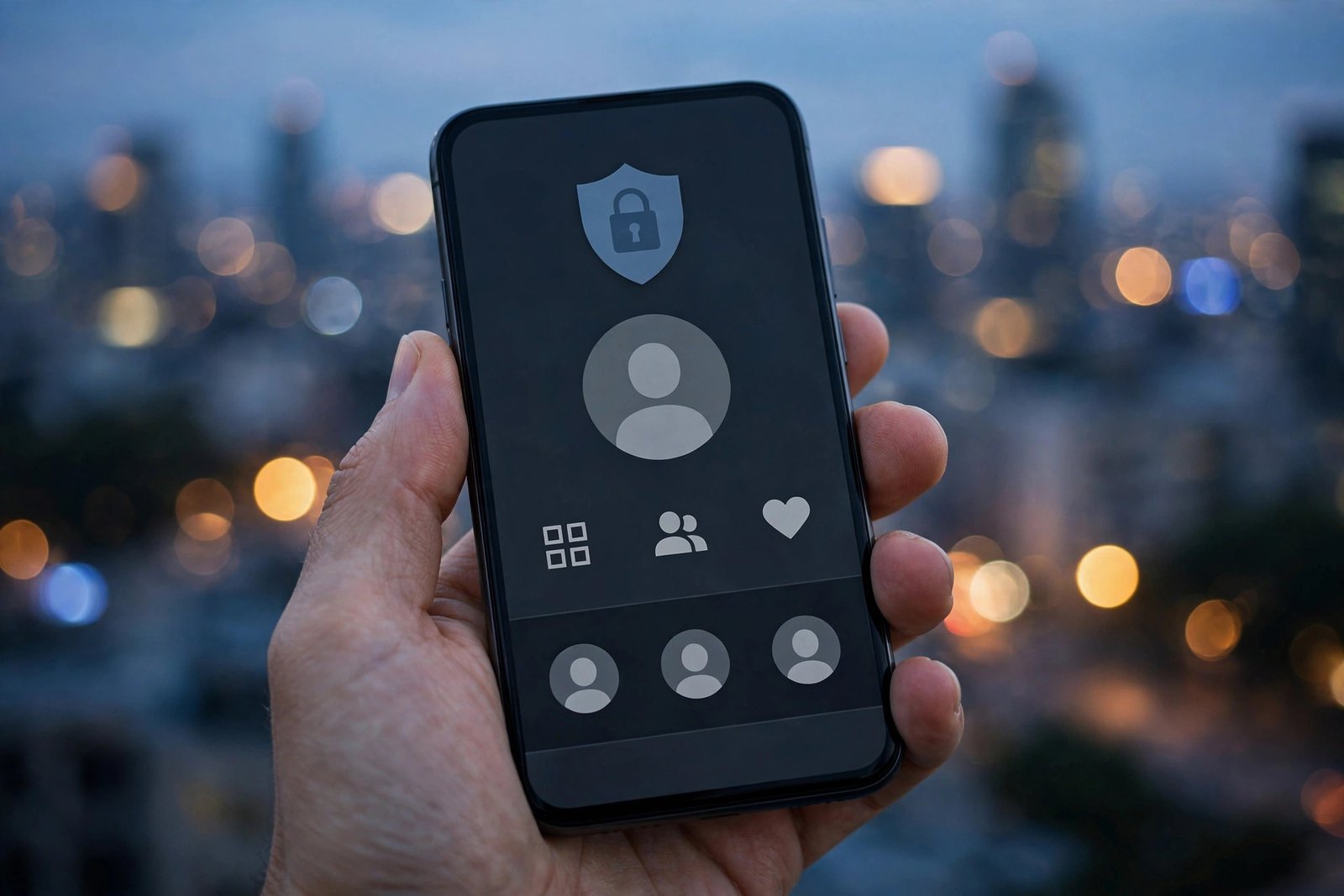
I know that’s not what most people hope to hear. The question usually comes from a specific worry — an ex checking who you follow, a coworker counting your connections, family members you added out of obligation. Whatever the reason, let’s walk through what actually works, because the internet is full of bad advice on this one.
Why a Public Account Can’t Hide Its Followers
Instagram treats your follower and following lists as public profile information, in the same category as your bio and profile photo. Anyone — follower or not, logged in or not — can tap “followers” on a public profile and scroll the entire list. Meta has never offered a granular visibility control for it, and any app claiming to “hide your followers” is either a scam or asking for your login credentials, which is a fast way to get your account stolen.
That leaves you with three legitimate moves, from most to least drastic.
Option 1: Switch to a Private Account (the Only Real Fix)
A private account hides your follower list, following list, posts, stories, and reels from everyone except your approved followers. People who don’t follow you see only your profile photo, bio, and follower count — they can’t see names.
To switch:
- Open Instagram and go to your profile.
- Tap the menu (three lines) in the top right, then Settings and privacy.
- Tap Account privacy.
- Turn on Private account and confirm.
Instagram documents this in its help center article on private accounts. Note the trade-offs: switching to private can slow follower growth, and if you run a business or creator account, some promotional features behave differently. You can switch back to public anytime — nothing is lost.
One important detail: going private does not hide your list from your existing followers. Anyone already following you can still see who follows you. Which brings us to option two.
Option 2: Remove Specific Followers
If the problem is one or two people — not the whole internet — you don’t need to go private. Instagram lets you quietly remove followers without notifying them:
- Go to your profile and tap Followers.
- Find the person and tap Remove next to their name.
- Confirm.
They won’t get a notification. If your account is private, a removed follower can’t see your posts or your follower list anymore unless you re-approve them. If your account is public, they can still view your profile as a stranger — but they can no longer like, comment, or see stories meant for followers. Pair this with the private switch for full effect: go private, then remove the people you don’t want inside.
Option 3: Block or Restrict the Snoopers
For someone you want completely gone — an ex, a harasser, a fake account — blocking is the cleanest tool. A blocked person can’t find your profile, see your follower list, or interact with you at all, and Instagram doesn’t tell them they’ve been blocked. Restrict is the softer version: the person stays a follower but their comments are hidden from everyone else and their messages go to requests. Useful for family members you can’t quite block.
If privacy is a broader concern for you, it’s worth reviewing related settings too — like making your followers private on Instagram in different ways, or checking whether Instagram shows screenshots on stories so you know what activity is visible to others.
What Private Mode Does NOT Hide
People overestimate what going private covers. Even on a fully private account:
- Your follower and following counts remain visible to everyone.
- Your profile photo, bio, and username are still public.
- Anyone you follow can see your likes and comments on public posts.
- People can still send you follow requests and message requests.
- Screenshots of your profile can be shared — Instagram won’t alert you.
Privacy on Instagram is about shrinking your audience, not becoming invisible. If total invisibility is the goal, a second private “finsta” account with a non-identifiable username is what most people actually end up doing.
Frequently Asked Questions
Can I hide my followers from just one person without going private?
Not directly. The closest approach on a public account is blocking that person — they won’t be able to view your profile at all. Removing them as a follower doesn’t stop them from viewing your list as a non-follower.
Will someone know if I remove them as a follower?
No. Instagram doesn’t send a notification. They might notice on their own if they check your profile and realize they need to follow you again (on a private account) or can’t interact (on a public one).
Does switching between business and personal accounts change follower visibility?
No. Business and creator accounts follow the same rule: public means the follower list is visible to everyone. In fact, business accounts can’t even be set to private — you’d have to switch back to a personal account first.
If I go private and then public again, what happens?
Your follower list becomes visible to everyone again the moment you switch back. Anyone you removed while private stays removed, though — that part is permanent until they re-follow.
Can I hide who I follow instead?
Same rule, same answer. Your “following” list has identical visibility to your “followers” list: hidden from strangers only on a private account. There’s no separate control for it.
And if you’re working on growing rather than shrinking your audience, the flip side is learning how to get more likes on Instagram — engagement and privacy are a balancing act, and most accounts land somewhere in the middle.