You've watched streamers and thought 'I could do that' — and you're right. The barrier to streaming gameplay in 2026 is lower than ever: if you can play games and hold a conversation, you have the core skills. What stops most people isn't talent or gear — it's not knowing the minimum viable setup and drowning in optimization advice meant for full-timers.
This guide gives you the weekend plan: the basic equipment that suffices, free software setup, settings that work on Miami-Dade internet, and the honest growth playbook for your first 100 viewers.
The Minimum Viable Setup (Weekend Timeline)
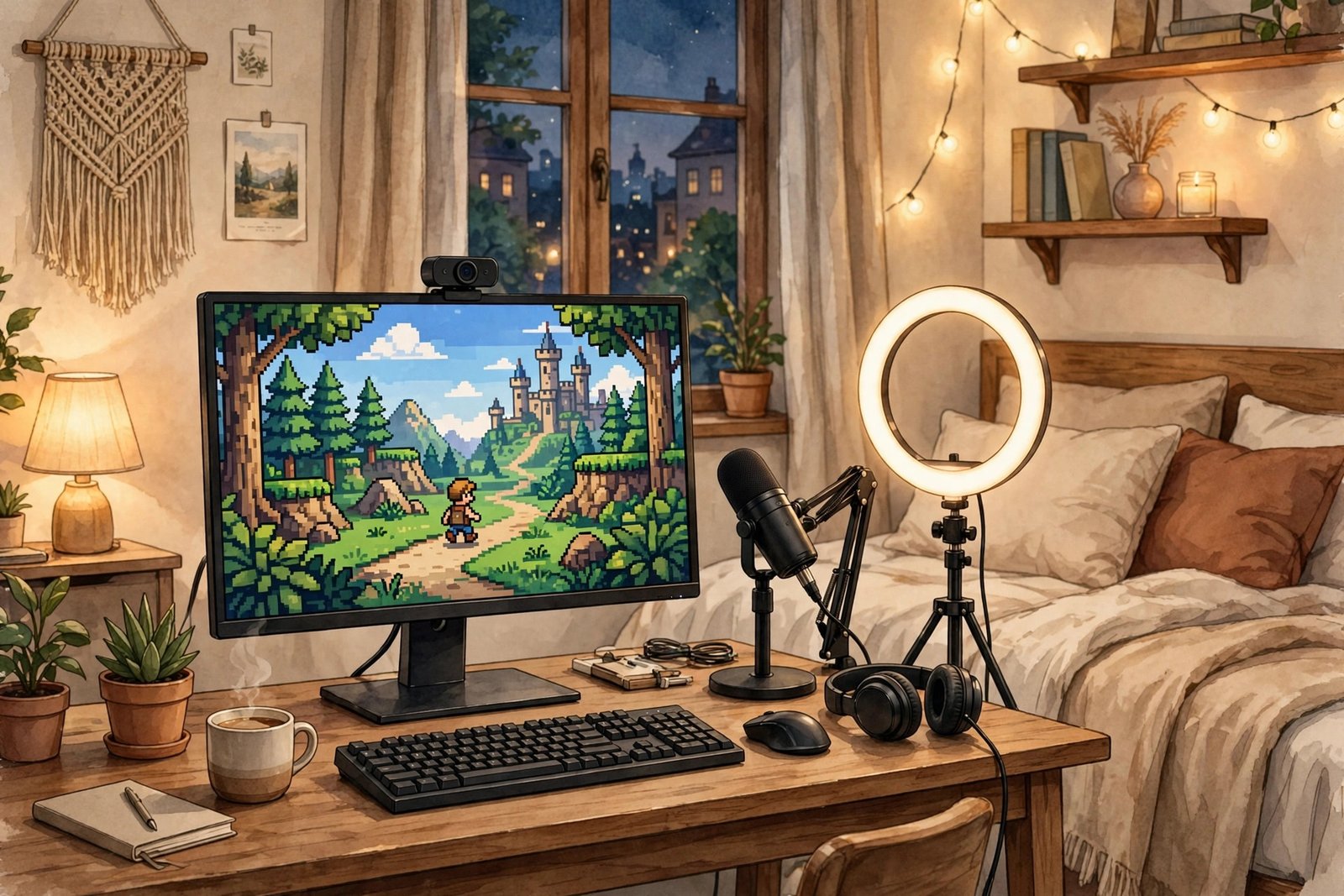
Hour 0-2: what you need. The gear floor: a PC or console that runs your games (no upgrades needed to start), a headset with a microphone (your gaming headset works — audio quality matters more than video quality for retention), and internet with 10+ Mbps upload (test at speedtest.net — download is irrelevant for streaming; upload is everything). Optional day-one upgrades: a $70 USB microphone (dramatic audio improvement), a $30 webcam (facecam increases engagement but isn't required).
Hour 2-4: software. Download OBS Studio (free, open-source, the industry standard). Run its auto-configuration wizard — it detects your hardware and sets reasonable defaults. Create a Twitch or YouTube account, link it in OBS settings, and do a 10-minute private test stream to check audio levels (game audio vs. your voice — voice should sit clearly above game sound). Hour 4-6: go live for real. Total time from zero to streaming: one Saturday afternoon. The streamers who succeed started ugly — polish comes later.
Settings That Work on Real Internet
The three settings that matter: resolution (720p60 to start — looks fine, halves the bandwidth of 1080p), bitrate (4500-6000 kbps for 720p/1080p on Twitch; match to your upload — use 70% of your tested upload speed max), and encoder (NVENC if you have an NVIDIA GPU — near-zero performance hit; x264 software encoding if not, on 'veryfast' preset).
Miami-Dade specifics: test your upload during your planned streaming hours (evening congestion on cable can halve daytime speeds — stream off-peak or accept 720p). Use Twitch's server picker to select the lowest-ping ingest server (usually Miami or Atlanta). Wire your connection — Wi-Fi streaming is the #1 cause of dropped frames. And monitor your first streams' stats: dropped frames over 1% means lower the bitrate; viewers forgive 720p, they don't forgive stuttering.
For official guidance, see OBS Studio's official free streaming software.
Being Watchable: The Actual Skill
Gear gets you live; personality keeps viewers. The core skill is narrated gameplay: think out loud — your decisions, reactions, mistakes. Silence kills streams; new streamers go quiet when concentrating, which is exactly when viewers leave. Practice talking continuously, even about nothing ('okay, rotating to zone, need ammo…'). It feels absurd for a week, then becomes natural.
Engage the chat you have, not the chat you want: with 3 viewers, learn their names and ask questions — small streams' advantage is intimacy, and loyal early viewers become your community core. Have 2-3 'content pillars' (your main game, a variety slot, community game nights) so viewers know what to expect. And the schedule: stream 3-4x weekly at consistent times — discoverability algorithms and human habits both reward consistency over marathon sessions. Two focused hours on schedule beats six random ones.
Growing to Your First 100 Viewers (Honest Playbook)
The uncomfortable math: streaming platforms don't promote new streamers — your first viewers come from elsewhere. The real growth channels: short-form content (clip your funniest 30 seconds to TikTok/YouTube Shorts/Reels daily — this is how small streamers get discovered in 2026), community participation (be genuinely active in other small streamers' chats and Discords — not self-promoting, just present), and niche positioning ('Miami-Dade dad plays horror games badly' is more discoverable than 'gamer plays popular game').
Timeline honesty: 0-10 viewers takes 1-2 months of consistent streaming; 10-50 takes 3-6 months; 100+ is a 6-12 month project for most. Anyone promising faster is selling something. Metrics that matter early: average viewers (not followers — followers are vanity), chat activity, and returning viewers. And protect the fun: streamers who chase growth metrics burn out; streamers who genuinely enjoy the sessions persist — and persistence is the actual growth strategy.
Miami-Dade Streaming Advantages
Lean into local identity: the Miami-Dade gaming scene has character — bilingual streams (English/Spanish) tap an underserved audience; local gaming communities, college esports scenes, and arcade bars offer collaboration and content opportunities. Hurricane season is content: 'streaming through the storm' (safely, on battery backup) is memorable programming if done responsibly.
Practical local notes: Florida's lack of state income tax simplifies the eventual 1099 income math if you monetize; internet redundancy matters during storm season (a phone hotspot as backup keeps streams alive through outages); and the Eastern time zone is prime for US audiences. Network locally: Miami's creator meetups and gaming events are where collaborations — the fastest legitimate growth lever — are born. Your location isn't incidental; it's a differentiator. Use it.
Learn more from Twitch's official broadcasting guidelines.
Moderation: Protecting a Small Channel
Small streams attract trolls precisely because moderation is thin. Set up before you need it: enable follower-only chat (30-minute follow age blocks most drive-by trolls), activate AutoMod at a moderate level, recruit 1-2 trusted regulars as moderators early (give them clear guidelines, not just power), and ban freely — your chat is your living room, and the ban button is not a moral dilemma.
The mindset: you owe disruptive strangers nothing; you owe your genuine community everything. Don't feed trolls with attention (timeout silently, move on), don't read hate comments aloud (it rewards the behavior and poisons the vibe), and take breaks from moderation duties yourself — burnout from chat management kills more small channels than low viewership. A well-moderated 10-viewer stream beats a chaotic 50-viewer one for everyone's experience, including yours.
If this was helpful, keep reading: our guide to the best streaming services for families on a budget and making game night more fun for everyone.
Streaming gameplay with basic equipment takes one weekend: a PC or console, a headset mic, 10+ Mbps upload, free OBS Studio, and 720p settings tuned to your real connection. The gear gets you live in a Saturday afternoon; the growth takes 6-12 months of consistent scheduled streams, short-form clips for discovery, and genuine community engagement. Start ugly, stay consistent, lean into what makes your stream yours — the barrier was never the equipment.
Frequently Asked Questions
What equipment do I need to start streaming?
Minimum: a PC/console that runs your games, a headset with mic, and 10+ Mbps upload speed. Recommended day-one upgrades: $70 USB mic, $30 webcam. Software is free (OBS Studio). Total startup can be under $100 if you already game.
What upload speed do I need to stream on Twitch?
10+ Mbps upload for 720p, 15+ for 1080p. Use ~70% of your tested upload as your bitrate ceiling. Test during your actual streaming hours — Miami-Dade cable congestion can halve evening speeds versus daytime.
How long does it take to get viewers on Twitch?
Realistic: 1-2 months to 10 average viewers, 3-6 months to 50, 6-12 months to 100+ with consistent scheduled streaming (3-4x weekly) plus short-form content for discovery. Platforms don't promote new streamers — growth comes from clips, community, and consistency.
Should I stream on Twitch or YouTube?
Twitch for live community and discoverability within streaming culture; YouTube for VOD longevity and better revenue splits (plus Shorts discovery). Many start on Twitch for the community and multistream or repurpose clips to YouTube. Test both with your content style.