You need roughly 800 to 1,000 nits of screen brightness to comfortably read your phone or laptop in direct sunlight. Around 500–600 nits works fine in shade or overcast light, but once the sun is hitting the display head-on, anything under 800 nits starts looking like a dark mirror. Flagship phones in 2026 push 2,000+ nits for exactly this reason.
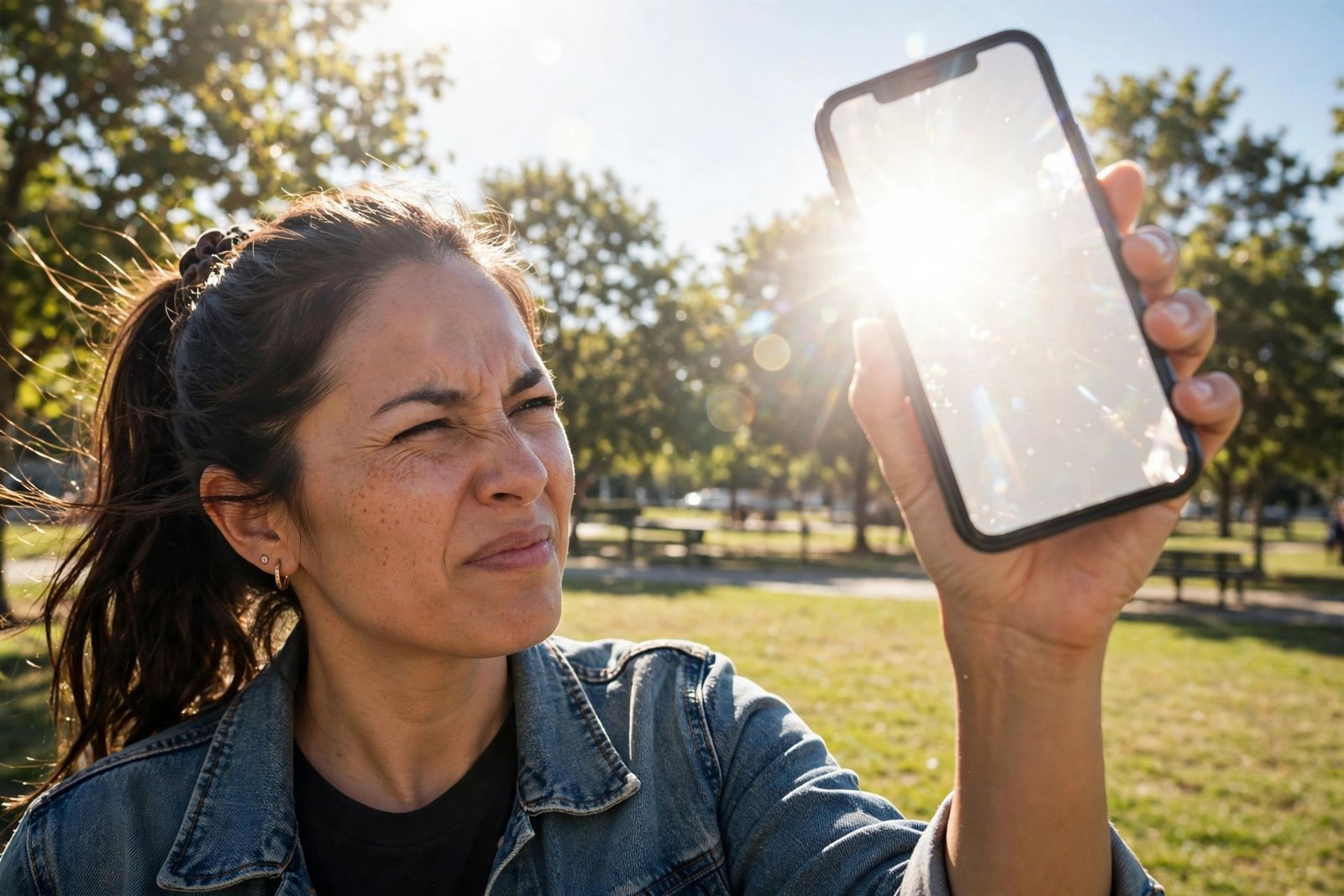
What a “Nit” Actually Measures
A nit is just a unit of brightness — one candela per square meter, if you want the physics. Practically speaking, it’s how much light your screen throws at your eyes. More nits, more light, better visibility when ambient light is fighting you.
Here’s the scale that matters:
- 250–300 nits: a typical budget laptop or older monitor. Fine indoors, hopeless outdoors.
- 400–500 nits: decent ultrabooks and mid-range phones. Usable in shade, struggles in sun.
- 600–800 nits: good phones and premium laptops. Readable in bright shade; direct sun is still rough.
- 1,000+ nits: the sunlight-readable zone. Flagship phones advertise 1,600–2,600 nits peak brightness.
- 1,500+ nits: high-end outdoor signage and rugged tablets built for fieldwork.
One wrinkle: manufacturers love quoting peak brightness (a small HDR highlight flashing briefly), which isn’t the same as sustained full-screen brightness. A phone advertised at “2,600 nits peak” might hold 1,000–1,200 nits across the whole screen in sunlight — still plenty, but the headline number flatters.
Why Sunlight Is Such a Brutal Opponent
It’s not just about your screen being dim — it’s about the competition. Direct sunlight delivers around 100,000 lux of illumination. A bright office is maybe 500 lux. Your screen isn’t just competing with the sun; it’s competing while the sun bounces off its own glass surface, washing out everything with reflections.
That second factor — reflections — is why nits aren’t the whole story. Two phones at 1,000 nits can look very different outdoors if one has an anti-reflective coating and the other is bare glossy glass. Brightness gets you in the game; killing reflections wins it.
How Much Brightness Different Devices Actually Give You
To calibrate your expectations, here’s roughly where common devices land on sustained outdoor brightness:
- Flagship phones (iPhone 16 Pro, Galaxy S25 Ultra, Pixel 9 Pro): 1,000–2,000+ nits in high-brightness outdoor mode. These are genuinely usable in direct sun.
- Mid-range phones: 600–1,000 nits. Fine with a little shade; squinty at noon.
- Premium laptops (MacBook Pro, high-end Windows ultrabooks): 500–1,000 nits sustained, with some mini-LED models hitting 1,600 peak in HDR. The MacBook Pro’s 1,000-nit sustained brightness is a big reason it survives patio work sessions.
- Budget laptops: 250–300 nits. Don’t even try the beach.
- Tablets: iPad Pro models reach 1,000 nits sustained (1,600 peak); cheaper tablets sit around 400–500.
If outdoor readability matters to you — fieldwork, photography on location, or just reading by the pool — check the sustained brightness spec, not just the peak number. For phone-specific display tips, our guide on how to erase an iPhone covers resetting display settings when things look off after updates.
Practical Tricks When Your Screen Can’t Keep Up
Specs aside, here’s what actually helps when you’re squinting at noon:
- Crank brightness manually. Auto-brightness is conservative — it often won’t push to the true maximum. Drag the slider all the way up yourself.
- Turn off auto-brightness limits. Some phones throttle max brightness to save battery or manage heat. On iPhone, check Settings > Accessibility > Display & Text Size and make sure Auto-Brightness is on (it enables the outdoor boost); on Samsung, the “Extra brightness” toggle unlocks the top tier.
- Switch to light mode. Dark mode looks sleek indoors but white text on black is the worst possible combo in sunlight. Light mode with dark text survives glare far better.
- Boost contrast. Accessibility settings like “Increase Contrast” (iOS) or “High contrast text” (Android) make UI elements punch through washout.
- Shade the screen. Your hand, your body, a hat brim — even partial shade drops the ambient competition dramatically. Photographers use loupe hoods for this exact reason.
- Kill the reflections. A matte screen protector won’t add nits, but it scatters reflections and can make a 600-nit screen feel like an 800-nit one outdoors.
- Keep it cool. Phones dim themselves when hot, and direct sun heats them fast. If your screen suddenly goes dim at the beach, overheating — not the brightness setting — is probably why.
What to Look for When Buying for Outdoor Use
Shopping with sunlight in mind? Prioritize in this order:
- Sustained full-screen brightness of 800+ nits (1,000+ is the comfort zone).
- Anti-reflective coating or matte display option. Samsung’s anti-reflective Gorilla Armor on the S25 Ultra is the standout example — it genuinely changes the outdoor experience.
- Good auto-brightness behavior — check reviews for whether the device actually reaches its max outdoors.
- OLED over LCD at the same nit rating, since per-pixel light control gives better effective contrast against glare.
Don’t pay extra for a 3,000-nit peak HDR number if the sustained brightness is mediocre — you’ll never see that peak number on a sunny day reading email. And once your new device is set up, our other phone and PC guides can help you get more out of it — like how to find your IP address on a PC when you’re troubleshooting a new network connection.
Frequently Asked Questions
Is 500 nits enough to see a screen in the sun?
In shade or on a cloudy day, yes — 500 nits is workable. In direct, overhead sunlight, no. You’ll want 800–1,000+ nits for comfortable direct-sun readability.
What’s the difference between nits and lumens?
Nits measure brightness per unit of screen area (what your eyes receive from the display); lumens measure total light output (used for projectors and bulbs). For screens, nits is the number that matters.
Why does my phone screen dim itself in the sun?
Heat. Direct sunlight warms the phone, and the system throttles display brightness to protect the battery and OLED panel. Moving into shade for a minute usually restores full brightness.
Do anti-glare screen protectors actually help outdoors?
Yes, noticeably. They don’t increase brightness, but matte protectors diffuse reflections, which is half the battle in sunlight. Pair one with max manual brightness for the best cheap upgrade.
Where can I compare real display brightness measurements?
Manufacturer spec pages list peak numbers — see Apple’s iPhone specs and Samsung’s smartphone lineup — but independent reviewers measure sustained brightness, which is the number that counts outdoors.